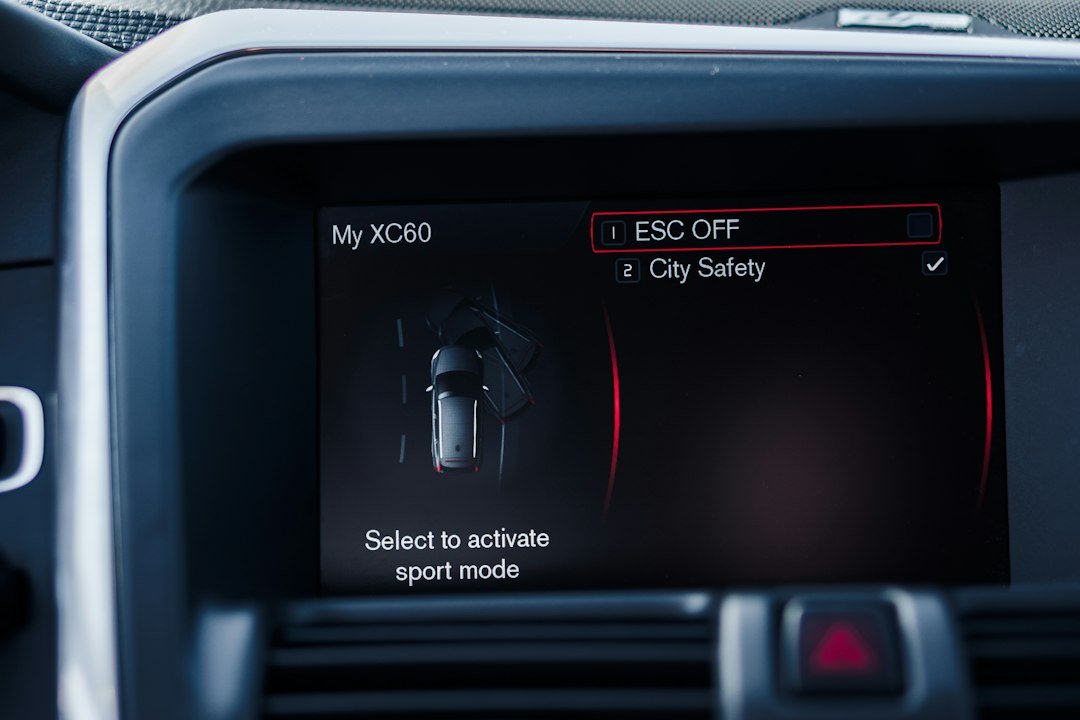
You’re mid-route, the MIL (check engine) light comes on, and the truck is drivable but not right — maybe reduced power or intermittent misfire. The first reaction is often "clear the light and move on," but that can hide a real problem. The objective here is simple: read fault codes correctly, interpret what they actually mean for a diesel truck, clear them safely when appropriate, and verify the repair so the light stays off for the right reasons.
What success looks like: verified fix, not just a cleared light
Success is when a diagnostic tool shows no active faults after repairs and the truck runs normally under the same conditions that produced the code. If the code returns, you have more evidence and can focus on the failing system instead of chasing an erased history.
Tools you need and why
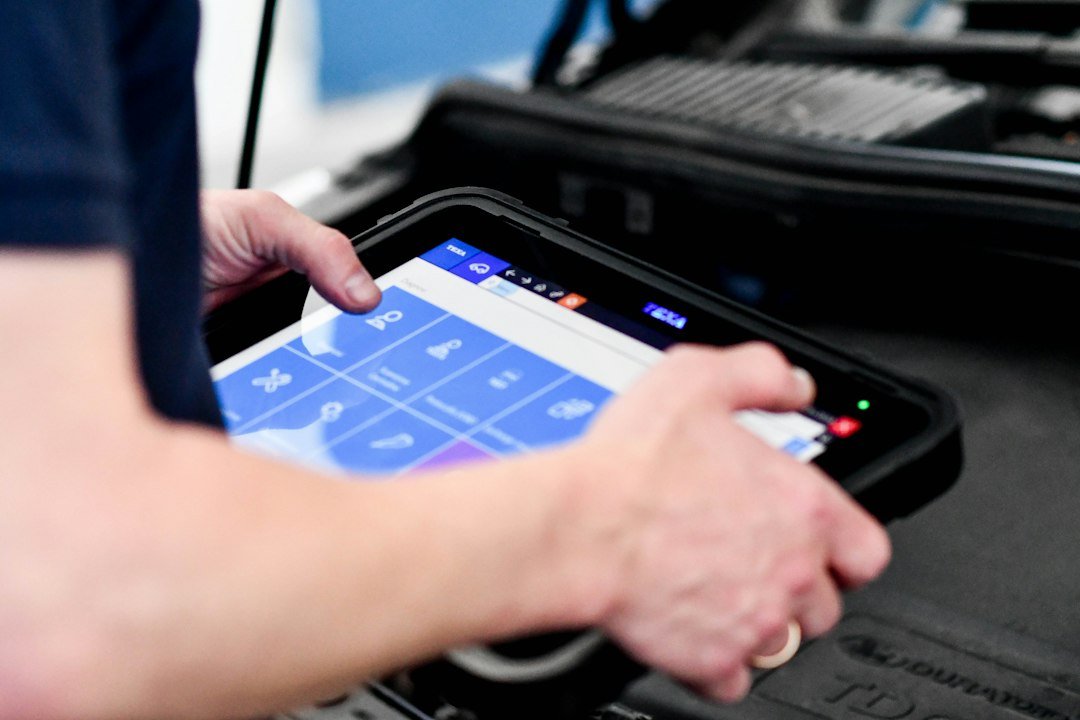
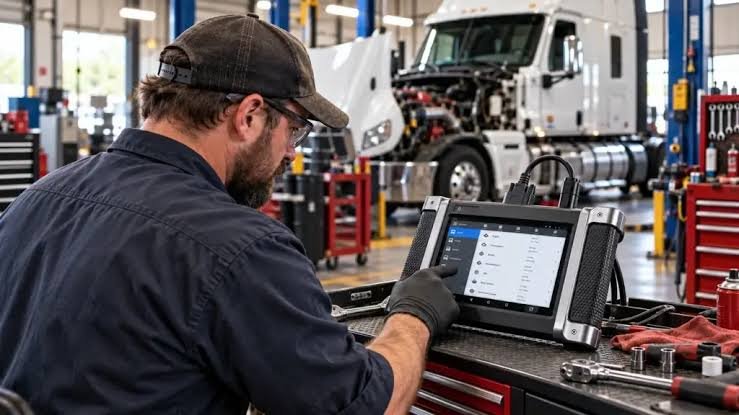
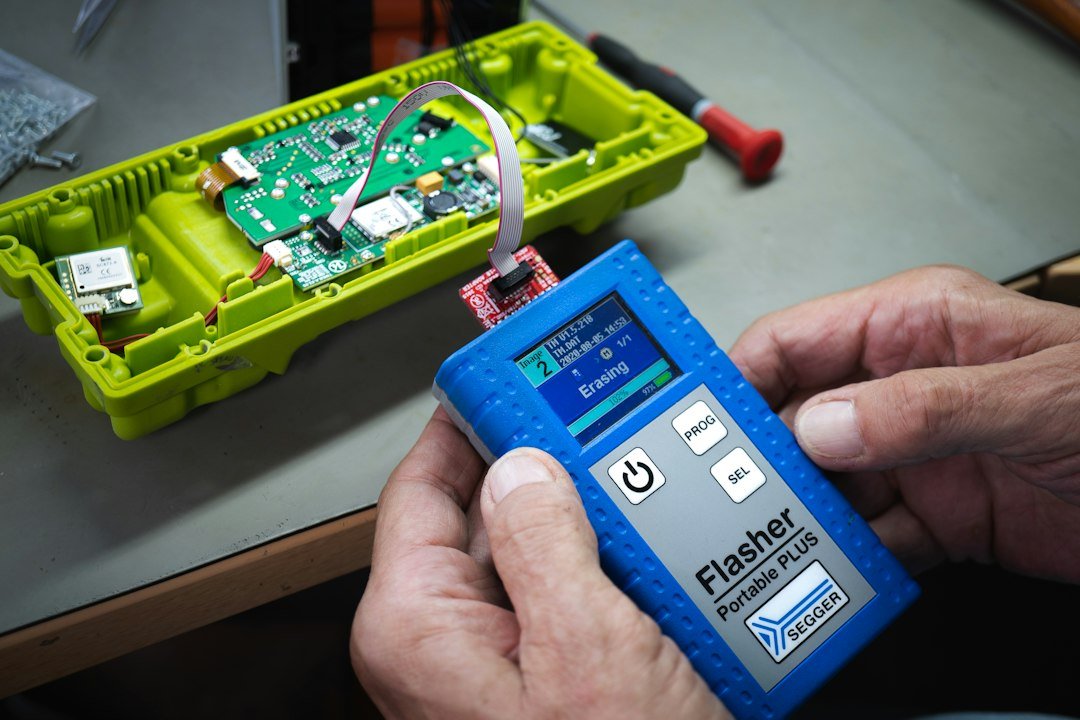
- Heavy-duty compatible scan tool (HD-OBD or truck-specific) — reads P/U/C/B and manufacturer codes and shows freeze-frame and live data.
- Basic hand tools, multimeter, and smoke/leak tester for common faults.
- Service manual or online OEM code references for that engine model.
Recommendation: for most fleets and owner-operators, a reliable heavy-duty scanner like the KZYEE KC601 provides the right feature set for reading and clearing codes. Use the product card later for details.
Read fault codes properly — quick workflow
- Park safe and note conditions. Record engine state (hot/cold), load, speed and recent symptoms before powering the vehicle down.
- Connect the scanner to the diagnostic port and power the truck to key-on engine-off (KOEO) unless the scanner asks otherwise.
- Retrieve codes, then read active vs. historic/confirmed vs. pending. Always capture freeze-frame data and any stored live-data snapshots.
- Write down code numbers and short descriptions exactly as the scanner reports them (e.g., P0299 — Turbocharger Underboost).
Why freeze-frame and live data matter
Codes alone say a fault was detected; freeze-frame and live parameters tell you the context — RPM, load, temperatures, boost, fuel rail pressure. That narrows suspects and prevents unnecessary parts swapping.
Interpret codes for diesel-specific systems
DTCs for diesels commonly involve turbo/boost, EGR, DPF/regeneration, fuel pressure, and NOx sensors. Use the scan tool’s full description and the engine’s service manual to map code → subsystem. Example approach:
- P0234/P0299 (overboost/underboost): check wastegate actuator linkage, boost leaks, and VNT turbo vanes; compare commanded vs actual boost in live data.
- P0087 (low fuel rail pressure): confirm fuel supply, lift pump, filters, and pressure sensor readings.
- U-codes: often network/ECM communication — check battery voltage and CAN bus physical connections before replacing modules.
- DPF/regen faults: examine soot load counts and attempted regen history before forcing a clear.
Diagnose before you clear
Never clear codes as a diagnostic step unless you are verifying an actual repair or want to perform a test drive to reproduce a pending code. Clearing deletes freeze-frame and pending info that can be essential.
How to clear codes correctly
- Document everything: capture screenshots or write down codes and freeze-frame values.
- Perform the repair or inspection based on the diagnostic evidence.
- Turn key to KOEO, connect scanner, and use the scanner’s "Clear Codes" or "Erase DTC" function. Some heavy-duty tools offer selective clearing of specific modules — prefer that to a full system erase.
- After clearing, follow the scanner’s guidance: run the mandatory readiness/drive cycle or do a controlled road test replicating the original conditions.
- Re-scan to confirm codes remain clear or to capture any returning faults for deeper diagnosis.
When not to clear
- If the truck is in warranty with an active open claim — clearing can complicate warranty diagnostics.
- When the code is intermittent and you need to capture more data (use logging mode if available).
- If the vehicle has safety-related faults that could endanger you or others; repair or tow instead.
Troubleshooting returned codes and common adaptations
If a code returns after clearing, use this quick triage:

- Compare live data to freeze-frame: are the values the same when the code recurs?
- Check power and grounds: many false or returning codes are caused by low battery voltage or corroded grounds.
- Inspect connectors and wiring harnesses for heat damage, rodent chew, or loose pins — especially near the turbo, EGR and SCR systems.
- Use component tests available in the scanner (actuator bi-directional tests, sensor graphs) to isolate the fault without swapping parts.
Record-keeping and verification
Keep a service log with: date, mileage/hours, codes (active/historic/pending), freeze-frame, parts replaced and final verification steps (drive cycle details). This helps if the code recurs and supports warranty or fleet reporting.
One brief product note
If you regularly work on heavy-duty trucks, choose a scanner that explicitly lists heavy-duty/HD-OBD support, shows freeze-frame/live data, and allows module-specific clearing. The KZYEE KC601 listed above is a strong match for these needs.
- Capture codes, descriptions, and freeze-frame before erasing.
- Verify battery voltage and grounds are within spec.
- Perform targeted repairs or inspections first, don’t guess parts.
- Use selective module clearing when available.
- Complete a drive cycle and re-scan to confirm the fix.
Reading and clearing diesel truck fault codes is useful only when it supports a verified repair. Use a heavy-duty scan tool to capture codes plus freeze-frame and live data, diagnose the root cause, clear selectively, and then verify with a proper drive cycle.
Can I use a standard OBD2 scanner on a diesel truck?
Many light-duty OBD2 scanners won’t read heavy-duty or manufacturer-specific codes. Use an HD-OBD or truck-specific scanner for full coverage.
What does pending vs confirmed code mean?
Pending codes are conditions detected once or intermittently; confirmed (or active) codes have met the threshold to be stored as a fault requiring attention or a repair.
Will clearing codes affect emissions readiness?
Yes — clearing codes often resets readiness monitors. After clearing, emissions systems may need drive cycles to return to ready status.
How long is a drive cycle to verify repairs?
Drive cycles vary by manufacturer; typically a mix of city and highway driving for 20–60 minutes is needed. Consult the engine service manual for exact steps.
What if codes return after clearing and repair?
Capture live logs and freeze-frame at the time of recurrence, re-check wiring and grounds, and use module-specific tests to isolate intermittent faults before replacing major components.