Quick answer: keep it clean, updated, powered and protected
The single most effective way to ensure long-term reliability is a short, regular routine: inspect and clean connectors and ports; update firmware and software; care for batteries and power; protect cables and housings from strain and contamination; and run periodic self-tests. Do that, and most failures — intermittent readings, lost vehicle communication, corrupted logs — are avoided or caught early.
Start with inspection: what to check before and after each use
Make quick inspections part of every session. Before you connect, visually check the scanner housing, cable insulation, and connectors for cracks, corrosion, bent pins or debris. After disconnecting, look for heat discoloration, melted insulation or oil/grease buildup that can signal a deeper problem.
- Inspect OBD connectors (9-pin/16-pin) for bent or pushed-back pins and dirt.
- Feel cable flex points for stiffness or exposed wires; check strain-relief areas where cables join the plug or device.
- Open battery compartments to look for leakage or loose contacts.
- Check the device screen for cracks, and buttons for consistent response.
Clean connectors and ports safely, then test contact quality
Good electrical contact is essential. Clean only with safe materials and techniques to avoid corrosion or shorting.
- Use compressed air to blow dust from both vehicle and scanner connectors; hold the can upright and use short bursts.
- For stubborn grime or oil, use electronics-grade isopropyl alcohol (90%+) on a lint-free swab; allow full evaporation before reconnecting.
- Never insert metal tools into connector housings; avoid water or household solvents.
- After cleaning, plug the scanner in and confirm the vehicle is recognized and communication is stable for a minute or two.
Use protective caps on unused plugs and keep adapters in labeled bags. A padded case prevents pin damage from impacts.
Keep software and firmware current — and manage updates the smart way
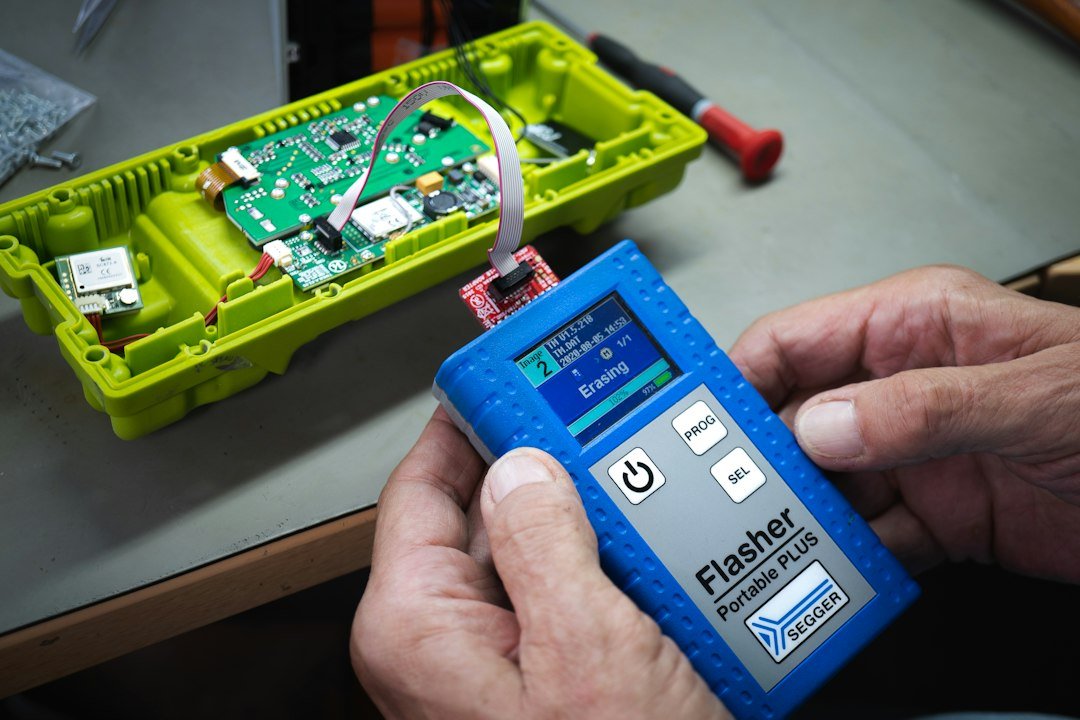
Firmware and software updates fix bugs, add vehicle support and improve stability. They’re a major contributor to long-term reliability.
- Check for updates monthly if you use the scanner frequently; otherwise check quarterly.
- Perform updates on a stable computer or Wi‑Fi network, with the scanner fully charged or connected to stable power.
- Back up log files or custom settings before major updates in case you need to rollback.
- Read change notes — some updates may alter workflows or vehicle coverage, so plan time for verification after updating.
Battery and power care for handhelds and tablets
Battery failures are common but avoidable with simple habits.
- Keep rechargeable batteries between about 20–80% for storage; avoid leaving the device at 100% plugged in for months.
- If you store the scanner for long periods, remove batteries when possible and store them in a cool, dry place at partial charge.
- Use manufacturer-approved chargers and replace batteries with recommended types — nonstandard cells can overheat or fail unexpectedly.
- For scan tools that draw vehicle power, avoid hot-swapping the connector while the vehicle is running unless the manufacturer permits it.
Protect cables and connectors from mechanical wear
Most physical failures start with cable abuse. Small changes in how you route and secure cables save replacements.
- Avoid sharp bends near the connector; leave a gentle loop and use a strap or clip to secure excess cable.
- Don't use the cable as a handle to carry the device; lift the scanner by its body or case.
- If you use adapters (9- to 16-pin, specialty pigtails), keep them in a separate pouch and replace them when contacts become loose.
- Label commonly used cables so you don’t pull the wrong one from a crowded harness and risk damage.
Environmental protection: dust, moisture and temperature
Store and operate the scanner within the temperature and humidity range specified in its manual. Excessive heat, condensation and dust shorten electronic life.
- After working in wet or muddy conditions, wipe the exterior dry and let the device air out before storage.
- Use silica gel packs in the storage case to reduce moisture buildup.
- For cold climates, warm the scanner gradually to room temperature before powering on to avoid condensation on electronics.
Routine checks and calibration: monthly and annual tasks
Create a simple maintenance schedule so checks aren’t forgotten.
- Monthly: update software, wipe external surfaces, inspect connectors and run a quick communication test on a known vehicle.
- Quarterly: check battery health (capacity and charge-hold), verify adapter fit, and clean ports with alcohol if needed.
- Annually: perform a full self-test or calibration if the scanner supports it, and review error logs for recurring hardware faults.
Troubleshooting common problems
When a tool stops behaving, start with the simplest causes and move to the complex.
- No communication: verify vehicle ignition position, try another known-good cable or port, and confirm firmware is current.
- Intermittent readings: inspect connector pins for looseness or corrosion; try a different adapter and check for cable break near flex points.
- Device won’t power on: test with an external charger and check battery contacts; if the unit powers via vehicle, verify the vehicle fuse and port power.
- Software crashes: reinstall the app or firmware, clear cached logs, and back up important data first.
When to repair, replace or upgrade
Decisions should balance downtime risk and cost. Replace the cable or connector at the first sign of recurring contact issues. Replace batteries when capacity drops noticeably or when they leak. Consider a whole-unit replacement if repairs are frequent, firmware is no longer supported, or the tool lacks required vehicle coverage — that’s often cheaper than lost diagnostic time.
If you’re expanding into newer engine families or heavy-duty trucks, check compatibility guides before buying: see our selection of diesel diagnostic tools and truck diagnostic scanners.
- Visually inspect connectors and cables before each use.
- Clean ports with compressed air; use isopropyl for stubborn grime.
- Check for and apply firmware/software updates monthly or quarterly.
- Store in a padded, dry case with silica gel; remove batteries for long storage.
- Run a weekly or monthly communication check on a familiar vehicle.
Reliable diesel diagnostic scanners survive simple habits: inspect, clean, update, and protect. A modest, scheduled routine reduces surprises and keeps you diagnosing instead of repairing.
How often should I update my scanner software?
Check monthly if you use the tool daily; otherwise quarterly works. Always update on a stable power source and back up settings first.
Can I use household cleaners on connectors?
No — stick to compressed air and electronics-grade isopropyl alcohol; household cleaners can leave residues that interfere with contacts.
What are signs the cable needs replacement?
Intermittent signals, exposed wires, stiffness at flex points, or loose connector fit are all signs to replace the cable immediately.
Should I remove batteries for long-term storage?
Yes, remove or store batteries at partial charge in a cool, dry place to reduce leakage and capacity loss.
Is professional calibration necessary?
Only if the manufacturer specifies it or if you observe repeated measurement drift; most handheld scanners have built-in self-tests that are sufficient for routine use.