What success looks like — a clear path from code to confident decision
If your truck's check engine light is on, the goal isn't just to clear a lamp: it's to reliably identify whether the fault is minor (sensor, loose connector), time-sensitive (DPF regen needed), or critical (ECM, fuel/air system failure). This guide shows a practical workflow to diagnose check engine lights on heavy-duty trucks so you can decide whether to fix on-site, schedule shop repairs, or safely continue operation.
Gather the right tools and safety checklist before you start
Start with the essentials: a heavy-duty compatible scan tool, service manual or wiring diagrams for the truck model, basic hand tools, PPE (gloves, eye protection), and a battery maintainer or jump box if the battery is marginal. Heavy trucks use J1939/J1708 protocols and 6-, 9- or 16-pin connectors; regular OBD2 readers usually can’t read those messages.
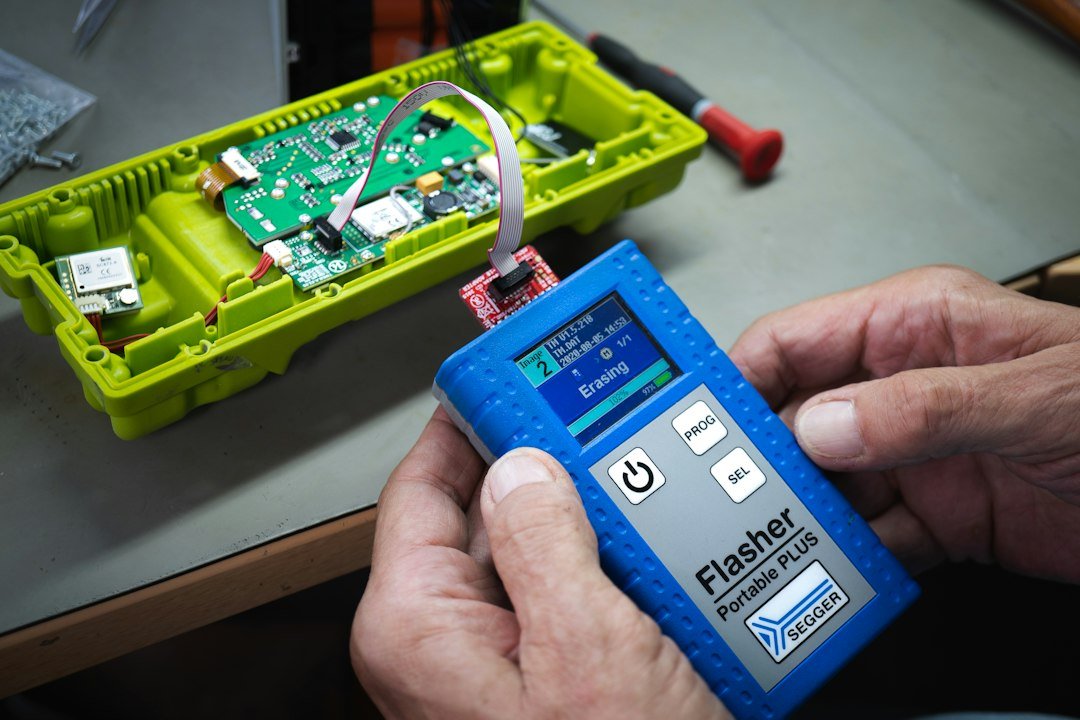
Recommended tool: if you need a single reliable scanner for many trucks, consider a dedicated heavy-duty model that supports 6/9/16-pin connectors and J1939. For many fleets and owner-ops, the FOXWELL HD301 (ID 732) is a practical match for fast code pulls and live-data checks.
Connect, pull codes, and record exactly what you see
1. Park on level ground, set parking brakes, and turn the ignition to the ON position (do not start the engine) so the ECM and modules power up for diagnostics.
2. Locate the diagnostic port (in-frame trucks it’s usually under the dash, near the steering column, or behind a cover in the passenger footwell). Use the correct adaptor cable for 6-, 9- or 16-pin as required.
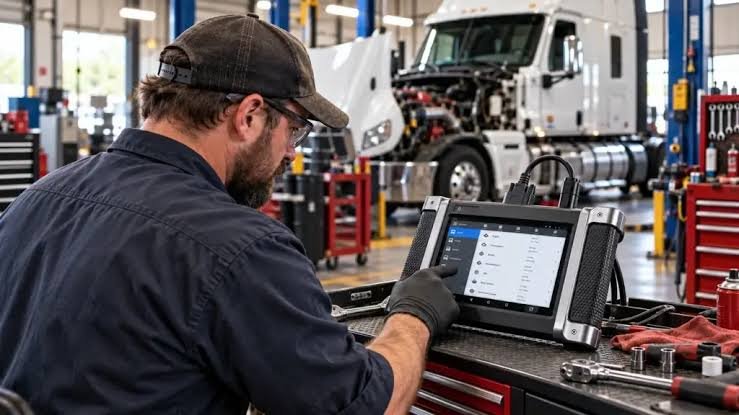
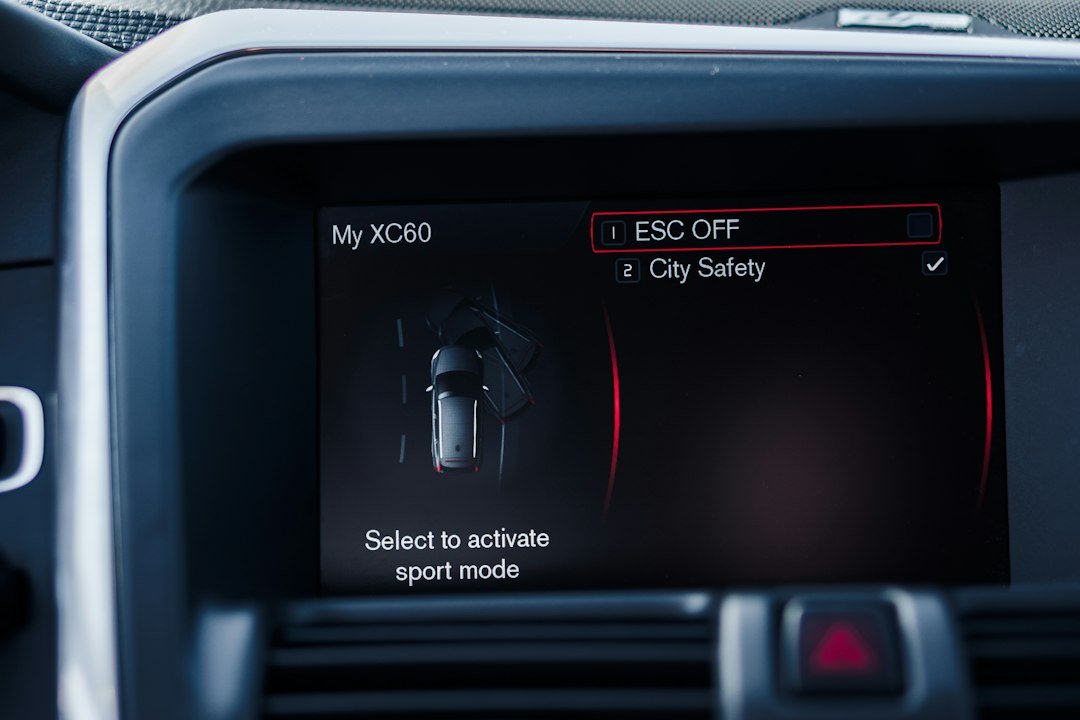
3. Let the scanner communicate fully with the vehicle. Pull active, pending, and historical fault codes and save or photograph the scanner output — note lamp status (steady, flashing), miles, and any freeze-frame data the tool provides.
Interpret the codes logically: priority, frequency, and related systems
Not all codes are equal. Use three quick filters when you review the list:
- Priority: powertrain/ECM and safety-related faults (e.g., fuel rail pressure, critical sensor failure) come first.
- Frequency: recurring or active faults matter more than historic, one-off events.
- Groups: related codes across modules point to a shared cause (e.g., multiple NOx/aftertreatment codes suggest DPF or sensor chain issues).
Look for accompanying status text on the scanner (e.g., “Lamp On,” “Active,” “Pending”) and any freeze-frame that shows RPM, load, or temperature at the time of fault — that helps reproduce conditions.
Validate with live data and simple bench checks
Codes tell you what was seen; live data tells you what’s happening now. Use the scanner to monitor sensors and actuators while you reproduce the fault conditions if possible:
- Fuel pressure and rail sensor readings — check for spikes, collapse, or inconsistent values during cranking and idle.
- Sensor voltages (MAP, MAF, TPS) — sudden jumps or out-of-range voltages point to wiring or sensor failure.
- Aftertreatment parameters (DPF soot %, backpressure) — a DPF-related CEL often needs regeneration rather than sensor replacement.
Simple bench checks: wiggle connectors while watching live data to spot intermittent wiring faults; measure sensor resistance or reference voltage with a multimeter per the manual; inspect harnesses for abrasion or water intrusion.
Troubleshoot common root causes and practical fixes
Use targeted tests based on the likely systems involved:
- Sensor faults (e.g., NOx, coolant temp): check connector corrosion, pin damage, and reference voltages first; replace the sensor only after confirming wiring is sound.
- DPF/aftertreatment alerts: confirm soot/load levels and attempt a manual regen per OEM steps; if regen fails, check differential pressure sensor and exhaust leaks.
- Fuel delivery codes: confirm lift pump operation, primary/secondary filters, and fuel pressure with a gauge; minor pressure drops can cause misfires and CELs.
- Intermittent codes or multiple module faults: suspect battery/charging or ground issues — low system voltage can trigger phantom codes across modules.
When to perform repairs yourself and when to call a shop
If checks show a single failed sensor, clean/replace easily accessible connectors, and live data confirms the new sensor reads correctly, it’s often a reasonable DIY job. Complex issues — ECM replacement, fuel system overhauls, major aftertreatment faults, or cases requiring OEM-level reprogramming — are better handled by a qualified heavy-truck technician.

Document results and communicate clearly if you send it to a shop
Before handing the truck to a service center, prepare a concise diagnostic dossier: list the fault codes, show live-data screenshots, describe when the lamp appeared, note any recent work or incidents, and summarize the tests you ran. This saves shop time and often reduces diagnostic fees.
- Confirm correct diagnostic port and adapter for the truck
- Photograph scanner code list and freeze-frame data
- Review live data for the faulty parameter before replacing parts
- Inspect battery/ground connections if multiple modules report faults
- Attempt OEM-recommended regen or relearn procedures when applicable
- Prepare a diagnostic summary if you need professional service
Diagnosing check engine lights on heavy-duty trucks is methodical: correct scanner, accurate code capture, live-data validation, and focused tests. Replace components only after ruling out wiring, voltage, or software issues; escalate complex or safety-critical faults to a qualified shop.
Can I use a regular OBD2 scanner on a heavy-duty truck?
Most regular OBD2 readers cannot read J1939/J1708 messages or 6/9-pin connectors. Use a heavy-duty compatible scanner to access full system codes and live data.
What does a flashing check engine light mean on a truck?
A flashing lamp typically indicates a severe fault or imminent engine damage (e.g., misfire or critical sensor failure). Stop and diagnose immediately rather than continuing to drive at high load.
How do I know if a DPF code needs regen versus component replacement?
Check soot/load % and differential pressure with your scanner; if the levels are high and sensors read normally, perform a commanded regen per OEM instructions before replacing sensors or the DPF.
Should I clear codes after replacing a sensor?
Clear codes only after confirming the new sensor shows correct live data and the underlying cause is fixed; then verify the code does not return during a test drive or after a regen cycle.
Which scanner should a fleet buy for consistent diagnostics?
Choose a heavy-duty model that supports multiple connector types and J1939/J1708 protocols; for many small fleets, the FOXWELL HD301 (ID 732) balances coverage and practicality.