Practical note from experience
Most drivers and independent shops start by buying the cheapest OBD2 reader and then hit a wall the first time a manufacturer-specific code or a DPF/regen request appears. A full-system diagnostic scanner is the next logical step—when you need comprehensive diagnostics across ABS, transmission, body modules and the engine, plus the ability to run tests and reset services.
What a full-system diagnostic scanner actually does
A full-system diagnostic scanner reads and clears codes from every module the vehicle exposes over the OBD/diagnostic bus, displays live data streams, supports special functions (e.g., ABS bleed, injector coding), and often provides bi-directional controls so you can command actuators or initiate relearns. It isn’t just a code reader—think of it as a portable workshop interface to the vehicle’s ECUs.
Key features to prioritize
- Vehicle coverage: Confirm supported makes, model years and systems (engine, transmission, ABS, SRS, TPMS, body). Broad coverage matters most if you work on multiple brands.
- Bi-directional/Active tests: Essential for troubleshooting—activate a fuel pump, run a regen, retract a mirror or cycle a solenoid from the tool to confirm faults.
- Live data and graphing: Real-time sensors and the ability to log/graph data turn guesswork into measurable diagnostics. Look for adjustable sample rates and CSV export if you share reports.
- Special functions and service resets: Oil service resets, DPF regens, adaptives, throttle relearns and injector coding. Match the functions to the maintenance tasks you actually do.
- Software updates and licensing: Check update frequency, whether updates are free or subscription-based, and whether the unit requires VIN-based unlocks for certain functions.
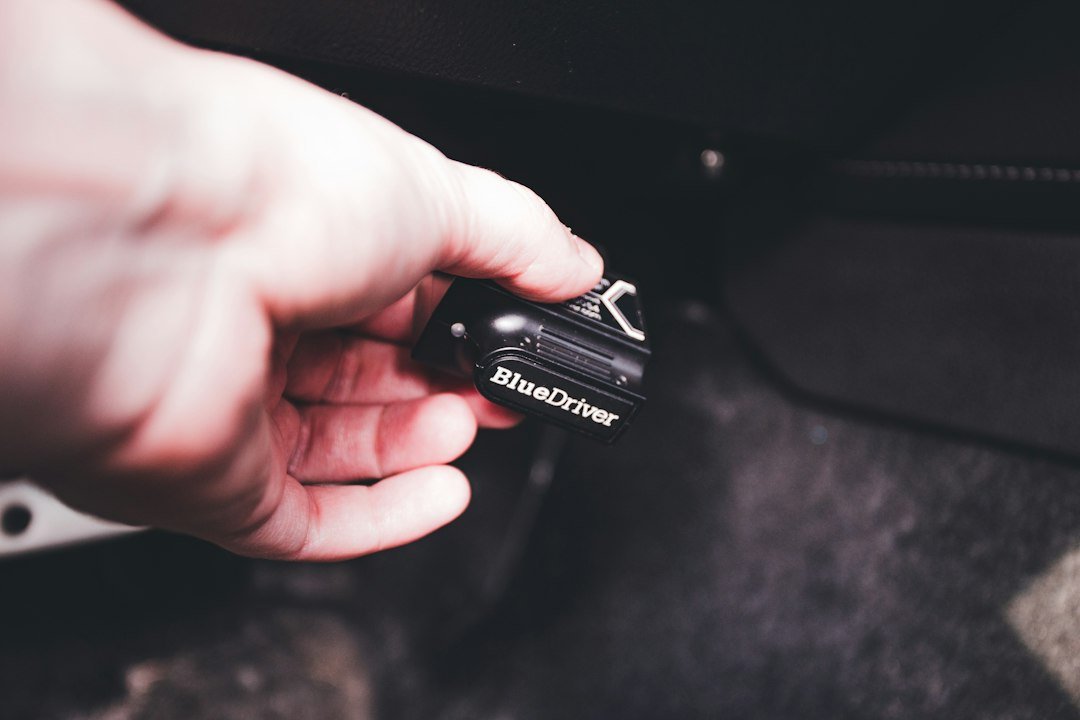
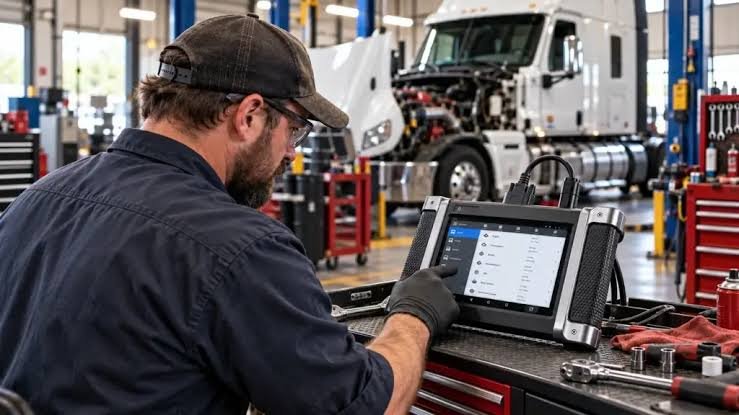
- User interface and portability: Consider touchscreen vs buttons, screen size, ruggedness and battery life. A workshop tablet-style scanner is different from a compact Bluetooth dongle plus phone app.
- Connectivity and reporting: Wi‑Fi updates, Bluetooth for printing or phone/PC mirroring, and in-tool reporting reduce admin time when documenting repairs.
- Accessories and adapters: Heavy-duty vehicles and older models may need extra cables, J1962 adapters, or OEM connectors—confirm included items and accessory availability.
Benefits that matter in everyday use
Beyond the obvious “reads more codes,” prioritize benefits that affect workflow:
- Faster diagnosis: Active tests shorten trial-and-error steps; live graphs reveal intermittent faults quicker than static codes.
- Reduced shop visits: Many service resets and relearns avoid dealer trips and labor markup.
- Better repair confidence: Bi-directional control verifies a part or circuit before replacement, saving parts and time.
- Documentation: Printable logs and saved reports are useful for warranty claims, fleet maintenance, and resale records.
How to choose by use case: quick matches
Decide which of these sounds closest to your reality, then use the checklist that follows.
- Home DIYer with one car: A mid-range full-system scanner with broad coverage for that make, live data and basic service functions will cover most needs.
- Independent mechanic/multi-brand shop: Prioritize bi-directional control, manufacturer-level codes, frequent updates, and vendor support. Subscription-free lifetime updates are a plus for predictable costs.
- Fleet manager or heavy-duty trucks: Ensure heavy-duty protocols and adapters, multi-vehicle reporting, and rugged hardware built for shop floors.
How to check compatibility before you buy
Don’t assume “works on all cars.” Follow this quick verification sequence:
- Identify the vehicle: year, make, model and engine code (VIN if possible).
- Check the scanner’s published coverage list and notes—some features are limited by VIN or region.
- Confirm specific special functions you need (e.g., DPF regen, injector coding, TPMS reprogramming).
- Ask about updates and whether a particular VIN unlock or paid module unlock is required.
When to spend more — and when not to
Buy the level of tool that solves your recurring problems. If you only change oil and rare CELs, a budget full-system scanner may be overkill; balance is key.
- Spend more if you need bidirectional tests, manufacturer-level coding, or if the tool will be a primary diagnostic device in a shop.
- Choose a mid-range model with lifetime updates if you want reliable coverage without subscription surprises.
One recommended option for broad value
If you want an all-around, dealer-capable option that fits many independent shops and serious DIYers, consider the top-ranked full-system scanner in our catalog. It offers wide vehicle coverage, bi-directional controls and dealer-level functions without forcing a specialist subscription.
- List vehicles (VINs) you’ll test most often.
- Confirm the scanner supports required special functions for those VINs.
- Verify update terms (free vs subscription) and frequency.
- Check included adapters and accessory availability.
- Ensure bi-directional tests are supported for key modules.
A full-system diagnostic scanner saves time and increases accuracy when you need module-level diagnostics, active tests and service functions. Match the tool to the vehicles and tasks you do regularly, and verify update and accessory policies before buying.
Does every full-system scanner support bi-directional control?
Not always—many do, but the depth of bi-directional functions varies by model and vehicle; confirm the specific commands supported for your make and model.
Are software updates usually free?
Some tools include lifetime free updates, others use paid subscriptions or pay-per-vehicle unlocks—check the vendor policy before purchase.
Can a full-system scanner perform ECU coding?
Many high-end devices can perform coding and programming, but these functions are often limited by vehicle, require additional licenses, or are reserved for dealer-level tools.
Will a full-system scanner work on heavy-duty trucks?
Only if it explicitly supports heavy-duty protocols and includes the necessary adapters; dedicated heavy-duty scanners are usually a better fit for trucks.
What accessories should I plan to buy?
Common extras include OEM adapter cables, extra OBD-II harnesses, extension cables for hard-to-reach ports, and a rugged carry case.