A common misconception is that any scanner that reads generic OBD-II codes will fully serve every vehicle. Start with the result you want: a scanner that reliably reads and performs the specific diagnostics your vehicle needs (code reading, live data, special functions like DPF regen or ECU coding). The rest of this article walks you through the checks and choices to get that exact match.
Confirm what diagnostics you actually need
Decide the actions you expect the scanner to perform before shopping. Examples:
- Read/clear generic OBD-II (P0xxx) codes and see live PIDs — basic needs for most passenger cars.
- Access manufacturer-specific systems (ABS, airbag, transmission) or perform adaptations — requires full-system or dealer-level support.
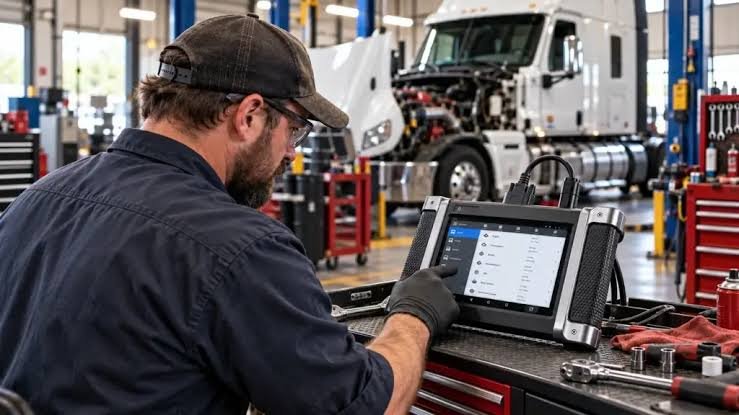
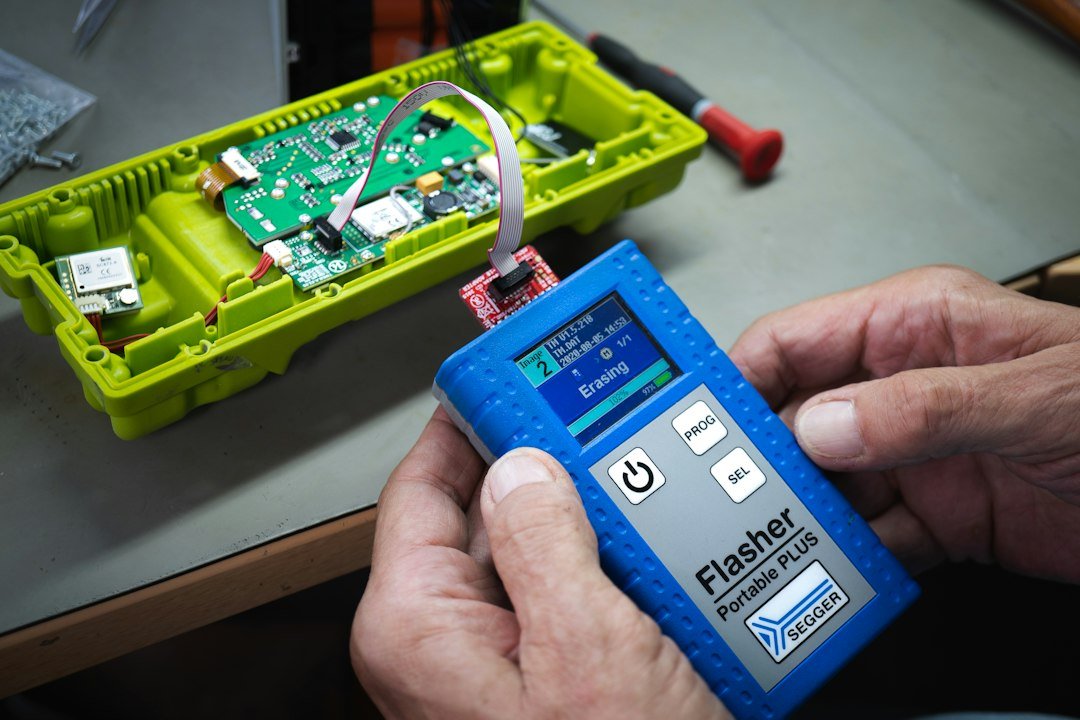
- Heavy-duty needs like J1939/J1708 support, DPF regeneration, or ECU coding — needs heavy-duty-capable scanners or tablets.
- Convenience features: Bluetooth to a phone, offline code definitions, data-logging, or printable reports.
Check vehicle details that affect compatibility
Record the vehicle VIN, year, make, model, and engine code. These determine connector type and communication protocols.
- Pre-1996 US cars often lack OBD-II; EU/Asia have different adoption years — verify OBD-II presence.
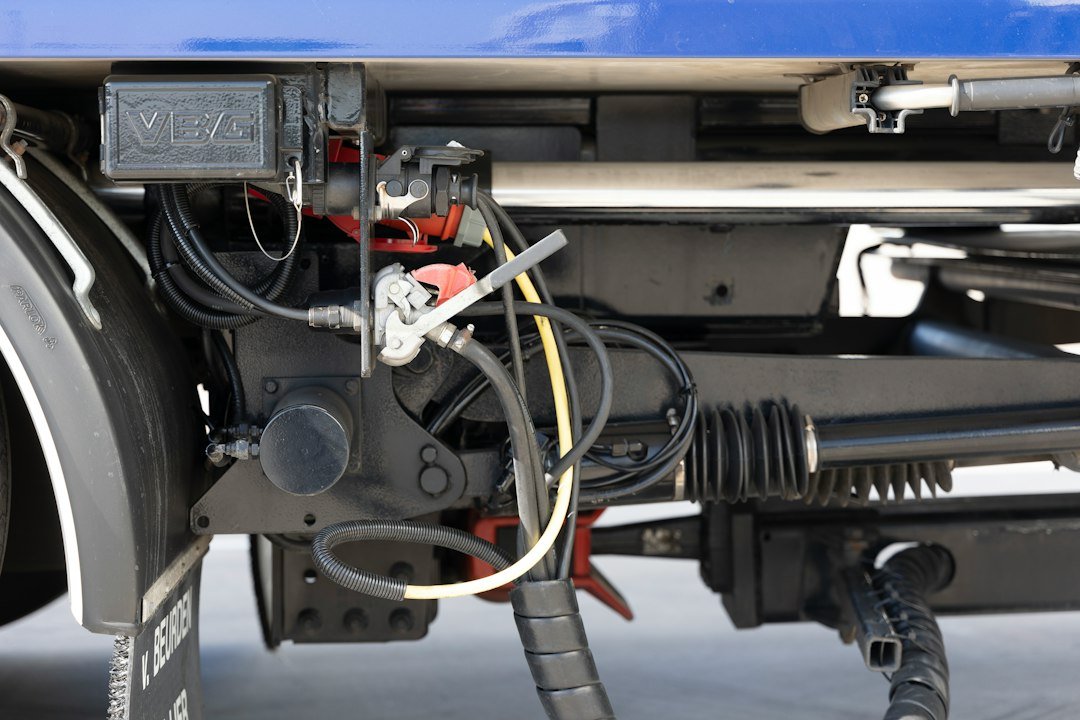
- Diesel trucks and heavy equipment frequently use 9‑pin J1939 or J1708 rather than the 16‑pin OBD-II socket.
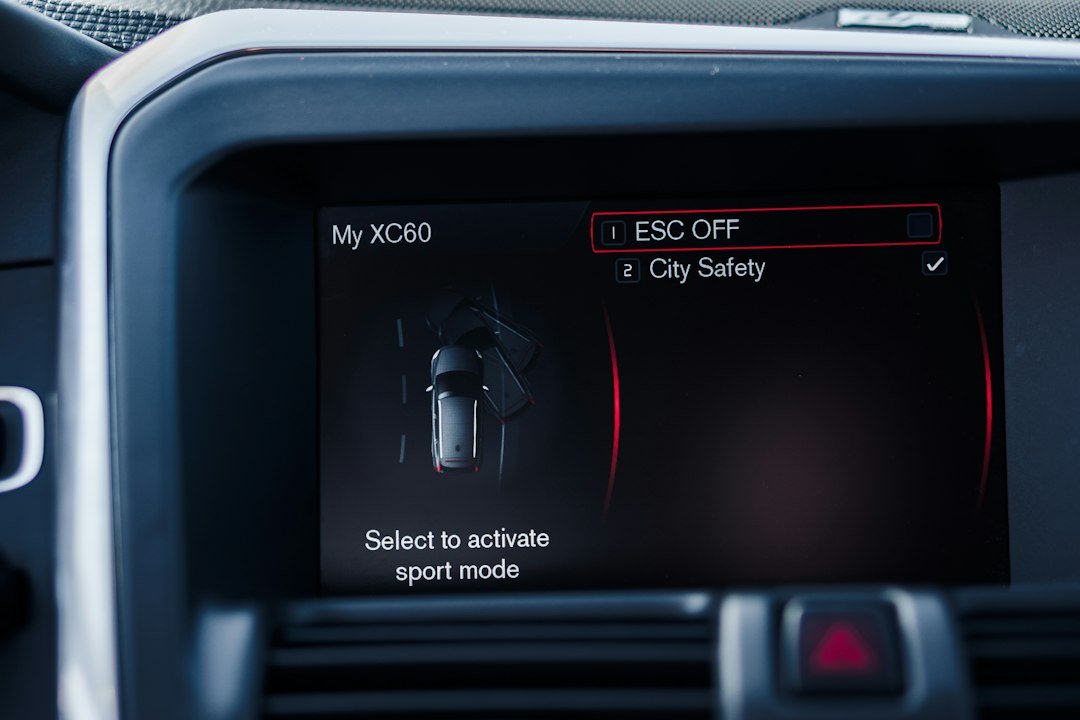
- Some manufacturers use proprietary protocols or require OEM adapters to access certain modules.
Match connector and protocol first — physical fit matters
Inspect the actual port under the dash or in the engine bay. If it’s a standard 16‑pin OBD-II, most OBD-II scanners will connect. If it’s a 9‑pin J1939, you’ll need a heavy-duty scanner or an adapter like a J1939-to-OBD2 converter.
Verify supported protocols. A scanner spec sheet should list ISO 9141-2, KWP2000, CAN (J1939/J2584), SAE J1850, etc. For trucks, confirm J1939 and J1708 support.
Decide feature vs budget trade-offs
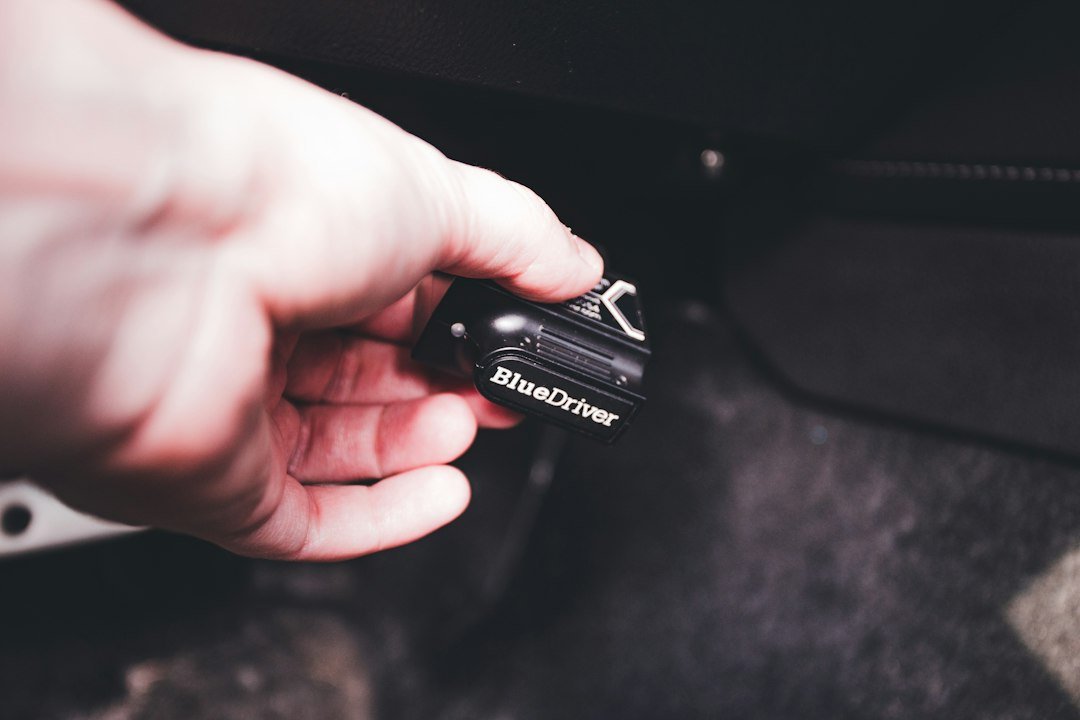
If your priority is basic check-engine work and occasional live data, a compact Bluetooth OBD2 adapter that pairs to a phone app is the most affordable and portable option.
For regular, deeper service or commercial use, choose a full-system scanner or diagnostic tablet that lists the vehicle brands and systems it supports. These devices cost more but save time and reduce the risk of incomplete diagnostics.
When you need heavy-duty or full-system capabilities
Look for scanners advertising DPF functions, ECU coding, ABS/TM/airbag service, or heavy-duty truck coverage. If you work on multiple truck brands, prefer a tool with explicit heavy-duty and J1939 support rather than assuming adapters will fully substitute.
Verify software coverage for your make/model/year
Manufacturers and scanner vendors publish vehicle coverage lists. Match your VIN or engine code against that list. Coverage isn’t just “brand X supported” — it often depends on model year and specific modules.
Check connectivity and convenience options
Decide if you prefer a dedicated handheld/tablet or a Bluetooth/Wi‑Fi dongle that uses a phone app. Advantages:
- Bluetooth dongles (e.g., OBD2 Bluetooth) are cheap and portable but may lack deep-system access.
- Handheld scanners and tablets offer built-in software, ruggedness, printers, and multi-protocol support, useful for shops or frequent use.
Look at updates, licensing and subscription costs
Some scanners include free lifetime updates for basic functions but charge for vehicle-specific modules, heavy-duty coverage, or major software updates. Confirm update terms before purchase — a low initial price can become costly if subscriptions are required for the features you need.
Practical verification checklist before buying
Before you click buy, physically or digitally confirm these items:
- The scanner supports the vehicle’s connector (16‑pin or 9‑pin) and protocol (CAN, J1939, etc.).
- Software coverage explicitly lists your vehicle year/make/model or will accept VIN entry.
- Required service functions (DPF regen, ECU coding, ABS bleed) are included or available as an option.
- Update policy and cost are acceptable.
- Device form (handheld vs. dongle) matches how you’ll use it.
For many readers who want a small, capable scanner for cars and light trucks, a compact Bluetooth OBD2 unit is enough. If you need heavy-duty truck functions or full-system service, a tablet-style tool with J1939 support is the right choice.
The product above is a strong match if you want compact Bluetooth connectivity with straightforward code reading and live data. If you need heavy-duty truck coverage and advanced service routines, consider the LAUNCH full-system truck scanners (see related guides for heavy-duty choices).
Troubleshooting compatibility problems
If the scanner connects but can’t access a module, try these checks:
- Confirm ignition position: many modules only respond in key-on engine-off or engine-on states.
- Try VIN entry if automatic vehicle detection fails; some tools require manual selection.
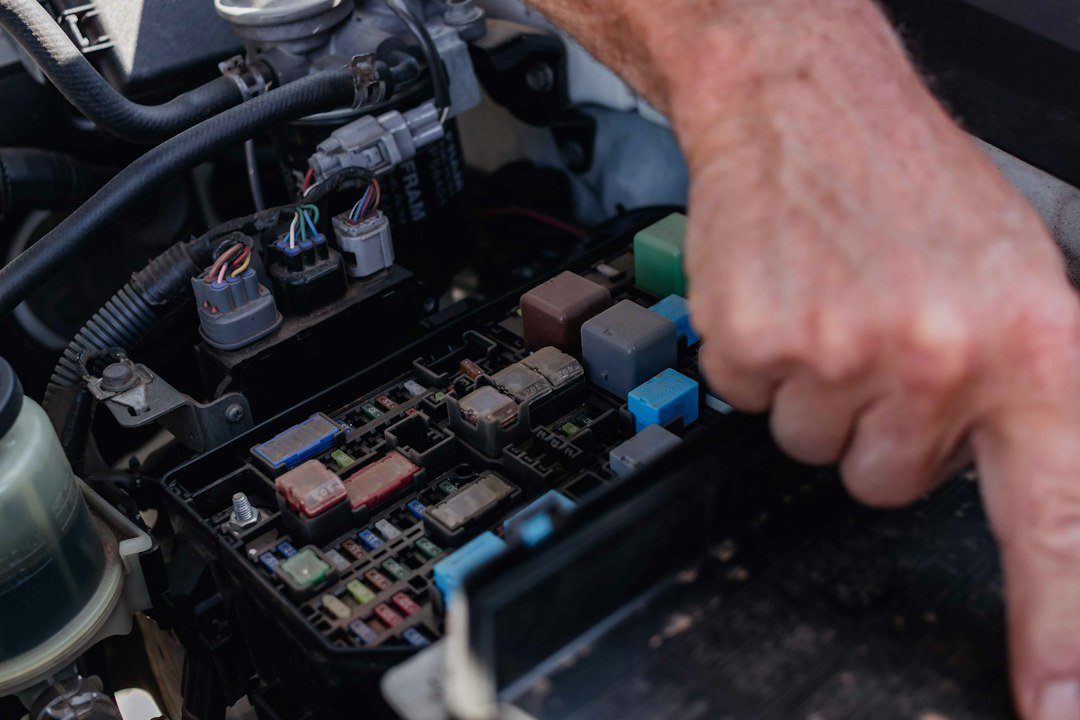
- Check for blown fuses on the diagnostic power supply — a dead OBD port will prevent communication.
- Use the correct adapter. A JUTA 9‑pin to 16‑pin adapter can bridge some connections but won’t add protocol-level support if the scanner lacks J1939.
When to consider professional or OEM tools
If you need programming, module replacement coding, or manufacturer-locked features, dealer tools or OEM-level scanners are often required. These are expensive but sometimes necessary for ECU flashing, anti-theft reprogramming, or calibration procedures.
- Confirm vehicle VIN, year, engine code and port type.
- Match scanner protocols to vehicle (CAN, J1939, etc.).
- Verify the scanner lists required service functions for your model.
- Check update/subscription costs and renewal terms.
- Decide form factor: handheld/tablet vs. Bluetooth dongle.
- Ensure availability of necessary adapters (9‑pin, 16‑pin) if needed.
Choosing a compatible diagnostic scanner is mostly a process of matching needs to technical details: what you want the tool to do, what connector and protocols your vehicle uses, and whether you need dealer-level functions. Prioritize functional coverage and update terms over low sticker prices.
Will an OBD2 Bluetooth dongle work on my truck?
It depends—most Bluetooth dongles handle standard OBD-II P0xxx codes for passenger cars. Heavy-duty trucks often use J1939/J1708 and need a scanner or adapter specifically supporting those protocols.
How do I know if my vehicle uses a 9‑pin or 16‑pin connector?
Inspect the diagnostic port location: passenger cars typically have a 16‑pin OBD-II under the dash; many commercial trucks have a round or trapezoid 9‑pin J1939 connector near the cab or in an access panel.
Are software updates necessary?
Yes—vehicle protocols and module software change. Updates improve coverage and add new models; check whether updates are free or subscription-based before buying.
Can an adapter replace a heavy-duty scanner?
An adapter can provide a physical connection, but it cannot add protocol or functional support the scanner lacks. For full truck diagnostics, choose a scanner with native J1939/J1708 support.
Which scanner type is best for a DIY car owner?
A mid-range OBD2 Bluetooth adapter or handheld scanner that shows live data and definitions is typically best for DIY owners focused on check-engine repairs and basic diagnostics.