What live data on a diesel diagnostic scanner really is — and why it’s not the same as a trouble code
Live data diesel scanner readouts are real‑time numerical and graphical values from the vehicle’s sensors and control modules — things like RPM, fuel rail pressure, engine coolant temperature, turbo boost, EGR position, and injector timing. Unlike stored fault codes (DTCs), live data tells you what the engine is doing right now. That distinction matters: a code explains that something tripped in the past; live data shows whether that condition is present currently and how the system behaves over time.
When you should consult live data
Use live data when you need to confirm intermittent faults, verify repairs, or diagnose performance issues that don’t immediately throw a DTC. Common scenarios:
- Intermittent surging, stalls or limp‑in modes where the code either doesn’t appear or clears before you check.
- Poor fuel economy or power loss where sensor trends (e.g., rail pressure or MAF) show a mismatch with expected values.
- After replacing a sensor or actuator — to confirm the new part reacts correctly under load and idle.
- While performing emissions‑related tests (DPF regeneration conditions, EGR response, NOx sensor behavior).
How to read live data effectively: quick checklist for useful readings
Start with a short, targeted list rather than every available PID. The typical baseline set includes:
- Engine RPM and load — confirms whether the engine is being commanded and responding.
- Coolant and intake air temperatures — important for interpreting other sensor behavior.
- Fuel rail pressure and fuel trim (where available) — central to diesel fueling problems.
- Boost/charge pressure and turbo actuator position — for power loss and turbo faults.
- EGR position/flow and downstream NOx/oxygen readings — for emissions complaints and regeneration issues.
- Injector timing or pulse width (if the scanner exposes it) — useful for misfire or rough running diagnosis.
Always watch trends over several seconds to minutes, and repeat the reading under different conditions (idle, steady cruise, wide‑open throttle) to see how values move relative to one another. Many faults show only under specific loads or temperatures.
Common misreads and how to avoid them
Three mistakes cause most wrong conclusions from live data:
- Misinterpreting expected ranges: values vary by engine, ambient temperature and load. Always check manufacturer reference ranges when available.
- Relying on a single PID in isolation: a low fuel rail pressure reading could be sensor failure, rail leak, lift pump fault or clogged filter — cross‑check with fuel pump control, lift pump voltage and fuel filter differential pressure if available.
- Assuming scan tool accuracy: cheaper Bluetooth OBD2 dongles sometimes update slowly or lack heavy‑duty PIDs. Use a heavy‑duty scanner for trucks or confirm suspicious readings with a secondary instrument.
Choosing live data features when picking a diesel scanner
When you compare scanners, prioritize these live‑data capabilities:
- Comprehensive PID support for heavy‑duty systems (fuel rail, exhaust sensors, turbo control, SCR/DPF metrics).
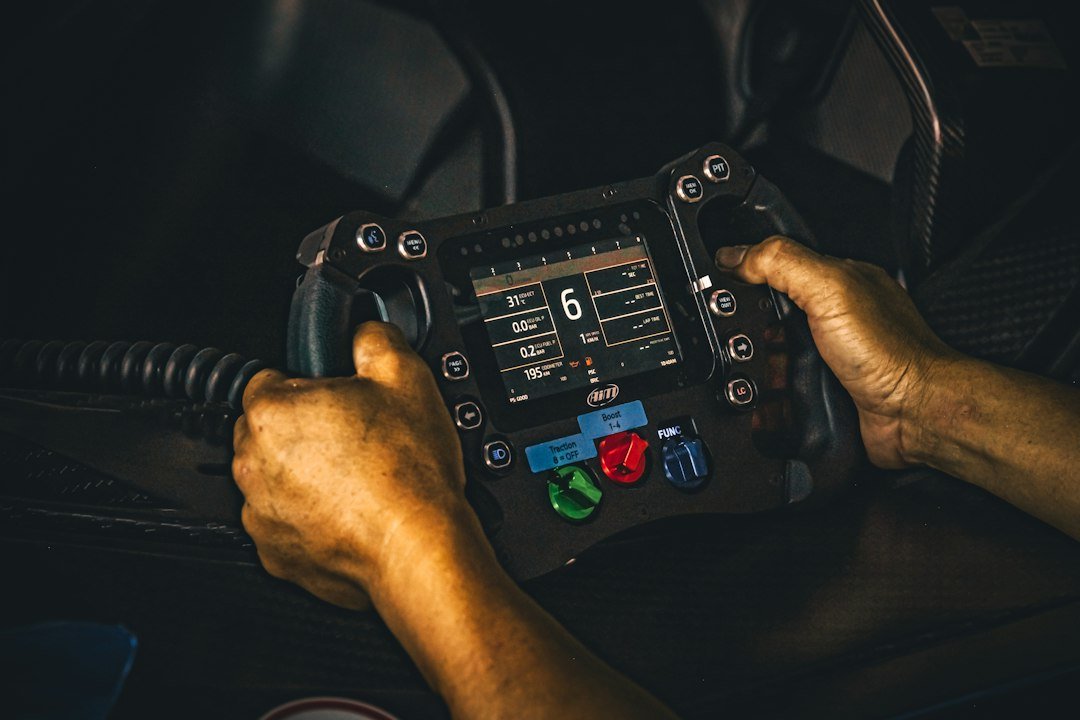
- High update rate and real‑time graphing — smoother graphs expose transient faults and oscillations.
- Data logging with timestamp export — essential for reproducing intermittent issues or sharing with a shop.
- Customizable dashboards that let you view multiple PIDs together to correlate cause and effect.
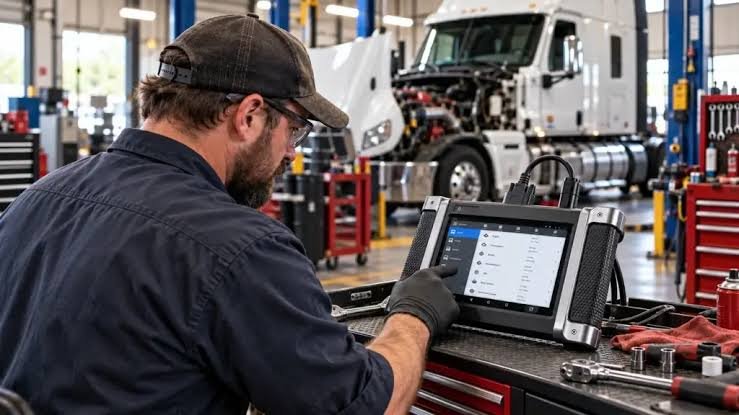
If you work on trucks, a heavy‑duty unit or a full‑system scanner is usually required; consumer OBD2 dongles often omit manufacturer‑specific PIDs. See our guide on finding a compatible scanner for more on model coverage.
How to set up a live data session that helps diagnosis
- Connect and identify vehicle make/model in the scanner so the tool loads correct PIDs.
- Select a small set (4–6) of related PIDs — for example, when chasing poor acceleration choose RPM, boost, turbo actuator, rail pressure and intake temp.
- Start with idle, then perform a steady‑state run at road speed, and finish with an acceleration test. Log each phase separately.
- Graph the values and look for correlations: does rail pressure drop when boost spikes? Does EGR command change with temperature?
- Use freeze frame and stored data as a comparison if codes exist — they reveal the conditions at the moment a code set.
If the fault is intermittent or happens under load, log the data or record screen video while driving. Exported .csv or .txt logs make it easier to zoom and analyze trends on a laptop and to share with colleagues or remote tech support.
When a product can help — recommended scanner for reliable live data
If you need a robust heavy‑duty scanner built for consistent live‑data access and logging, choose a tool that’s known for truck coverage and fast update rates. For most independent mechanics and fleet techs seeking that balance, the top store match is a heavy‑duty truck scanner that supports wide PID sets and data logging.
- Confirm the scanner supports the vehicle’s heavy‑duty PIDs before you begin.
- Select 4–6 related PIDs and watch trends across idle, cruise, and load.
- Log data and export if the fault is intermittent or happens under specific conditions.
- Cross‑check suspicious readings with other sensors or a second tool to rule out instrument error.
- Compare live values to manufacturer ranges when available, especially for fuel rail and emissions sensors.
Use live data to confirm what a fault code or a driver complaint actually means in real time. Prioritize the right PIDs, watch trends under different loads, and log sessions for intermittent issues. For heavy‑duty work, a scanner with broad PID coverage and reliable logging is worth the investment.
Is live data always accurate?
Live data is a direct readout from vehicle modules but can be misleading if a sensor or wiring is faulty, or if the scanner lacks correct PIDs or a fast update rate. Always cross‑check suspicious data.
How many PIDs should I watch at once?
Start with 4–6 related parameters to keep the view interpretable; add more only when you need to correlate additional systems.
Can a basic OBD2 Bluetooth dongle show live diesel PIDs?
Basic dongles may show generic engine PIDs but often lack heavy‑duty or manufacturer‑specific PIDs needed for diesel trucks; choose a full‑system or heavy‑duty scanner for complete data.
Should I log data while test‑driving?
Yes — logging under real driving conditions helps catch transient faults that idle checks miss and creates a record you can analyze later.
What’s the best way to compare live data to a known good baseline?
Use manufacturer reference ranges or capture live data from a known‑good vehicle of the same model under similar conditions to identify deviations.